
What Is a Gaming Monitor? Why Every Modern Gamer Needs One
If you have spent money on a powerful PC or a next-generation console, playing on a standard office monitor is like putting bicycle tires on a sports car. To truly experience smooth gameplay and sharp visuals, you need a display built specifically for speed and precision.
Here is everything you need to know about gaming monitors, why they matter today, what specs to look for, and which brands lead the pack.
What is a Gaming Monitor ?
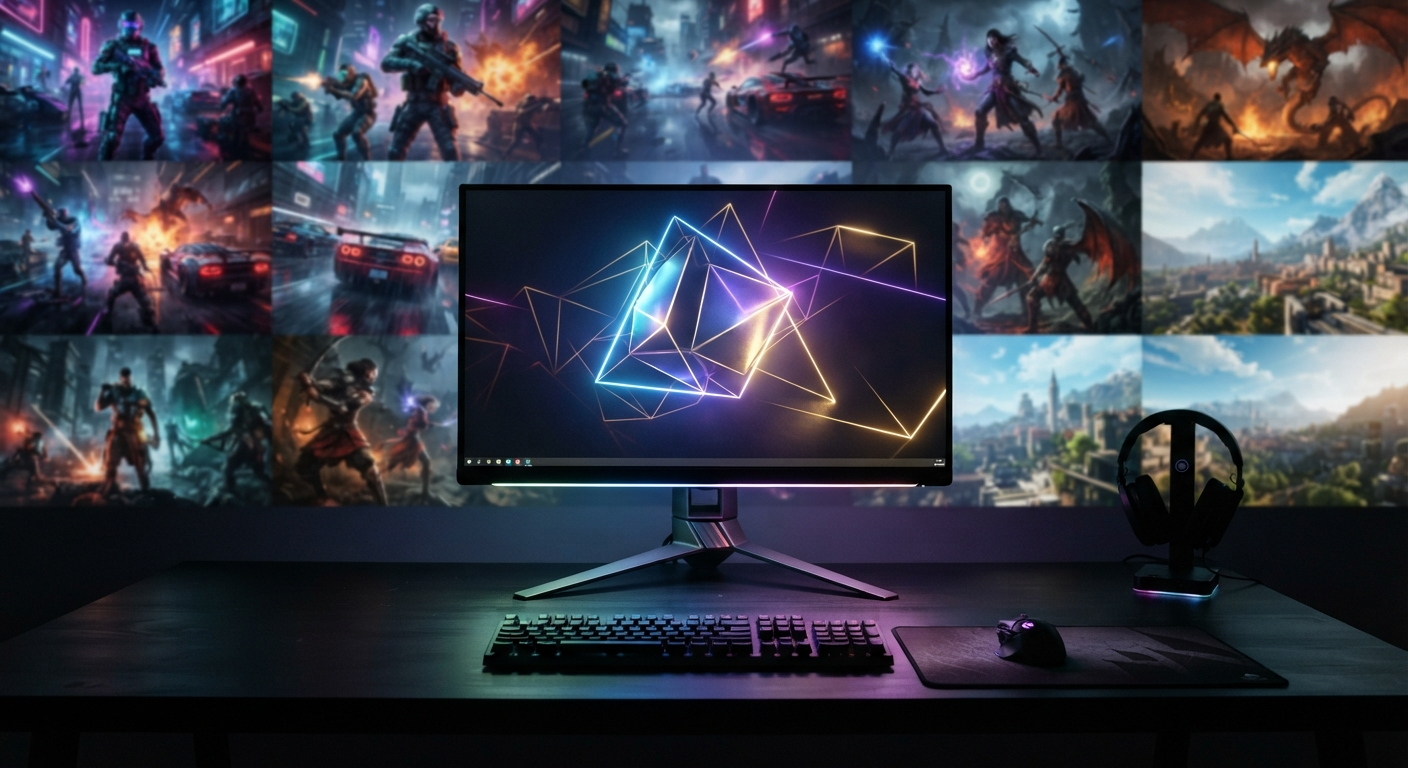
A gaming monitor is a specialized computer display engineered to handle fast-moving graphics with minimal delay. Unlike standard office monitors—which are designed for reading text, browsing the web, and watching basic videos—gaming monitors prioritize high speed, rapid pixel transitions, and synchronized frame rates.
They act as the bridge between your graphics card (or console) and your eyes, translating raw computing power into fluid, responsive on-screen action.
Why Today’s Gamer Needs One ?
Modern video games are faster, more detailed, and more competitive than ever before. Standard monitors usually cap out at 60Hz (refreshing the image 60 times per second), which creates a bottleneck for modern hardware.
Here is why upgrading to a gaming monitor is essential today:
- Competitive Advantage: In fast-paced shooters, racing games, and battle royales, milliseconds matter. High refresh rates let you see enemies around corners fractions of a second sooner than players on standard screens.
- Eliminating Screen Tearing and Stutter: When your graphics card outputs frames faster than your monitor can display them, the image splits horizontally (screen tearing). Gaming monitors use built-in sync technologies to match the monitor’s refresh rate to your game’s frame rate for a completely smooth picture.
- Reduced Motion Blur: Fast camera movements on a regular screen turn into a smeared mess. Gaming monitors feature rapid pixel response times that keep moving objects crisp and easy to track.
- Maximizing Your Hardware: If your PC or console can push 120 frames per second (FPS) or more, a standard 60Hz monitor literally hides half of the frames your system is working hard to generate.
Main Characteristics to Look For
When shopping for a gaming monitor, don’t get distracted by flashy RGB lights. Focus on these five core specifications:
1. Refresh Rate (Hz)
The refresh rate measures how many times the screen updates with a new image per second.
- 144Hz to 180Hz: The current sweet spot for most gamers, offering a massive jump in smoothness over 60Hz.
- 240Hz to 360Hz+: Ideal for hardcore esports players who demand maximum responsiveness.
2. Response Time (ms)
Response time measures how quickly a single pixel can change from one color to another. Look for 1ms (GtG – Gray-to-Gray) or lower. Lower numbers mean less ghosting and smearing behind fast-moving characters.
3. Resolution
Resolution determines how sharp the image looks, though higher resolutions require stronger graphics cards.
- 1080p (Full HD): Best for competitive esports where high frame rates matter more than extreme detail.
- 1440p (QHD): The gold standard for modern PC gaming, balancing sharp visuals with strong performance.
- 4K (UHD): Best for single-player, cinematic games and current-gen consoles (PS5/Xbox Series X), provided your hardware can handle it.
4. Panel Type
The panel technology dictates your color quality, viewing angles, and speed:
- IPS (In-Plane Switching): The most popular all-around choice, offering vibrant colors, great viewing angles, and fast response times.
- VA (Vertical Alignment): Known for deep blacks and high contrast, making them great for playing in dark rooms, though slightly slower in dark transitions.
- OLED: The premium tier. OLED panels offer instant response times, infinite contrast, and unmatched colors, though they come at a higher price point.
5. Adaptive Sync Technology
Make sure the monitor supports NVIDIA G-SYNC or AMD FreeSync. These technologies dynamically adjust the monitor’s refresh rate to match your GPU’s output, completely eliminating screen tearing and stuttering.
The Best Gaming Monitor Brands
While dozens of companies make displays, a few brands consistently stand out for quality, innovation, and reliability:
- ASUS (ROG & TUF Gaming): ASUS is a powerhouse in the gaming space. Their TUF line offers incredible value for budget-conscious gamers, while their Republic of Gamers (ROG) monitors push the bleeding edge of speed and OLED technology.
- LG (UltraGear): LG manufactures many of the actual display panels used by other brands. Their UltraGear lineup is famous for fast IPS and OLED monitors with exceptional color accuracy and clean designs.
- Dell / Alienware: Alienware is a pioneer in ultrawide and QD-OLED gaming monitors, backed by Dell’s industry-leading warranty and build quality. Even Dell’s standard gaming monitors consistently rank among the best value picks on the market.
- Samsung (Odyssey): If you want immersive, curved screens or massive ultrawide displays, Samsung’s Odyssey series leads the industry in bold designs, high brightness, and fast VA/OLED panels.
- BenQ (ZOWIE & MOBIUZ): BenQ’s ZOWIE line is the undisputed king of professional esports, prioritizing pure speed, motion clarity, and customizable competitive settings over flashy visuals.
- MSI: MSI has quickly become a go-to brand for gamers looking for high-end specs—especially QD-OLED and 1440p monitors—at very competitive prices.
Final Thoughts
A gaming monitor is one of the few PC upgrades you actually see and feel every single second your system is turned on. By focusing on a high refresh rate, a 1ms response time, and a trusted brand, you can unlock the true potential of your gaming setup.